Authentication
Keymate Authentication gives your applications Keycloak MFA with step-up and single sign-on, on Keymate's hardened Keycloak build. Users sign in once across your applications, and step-up asks for more proof only when an action needs it. Every token carries the user's organization, which Authorization reads on every request.
Single sign-on over OIDC and SAML
With single sign-on (SSO), users sign in once and every connected application accepts it.
- OpenID Connect (OIDC) for modern web and mobile applications, with OAuth 2.1 (sometimes called OIDC 2.1) profiles you can apply per client.
- SAML 2.0 for enterprise and government applications. Keymate is their SAML identity provider and also accepts sign-in from a partner's SAML provider (SAML federation).
One sign-in is accepted by App A, App B and App C, over OIDC or SAML
MFA, passkeys and step-up
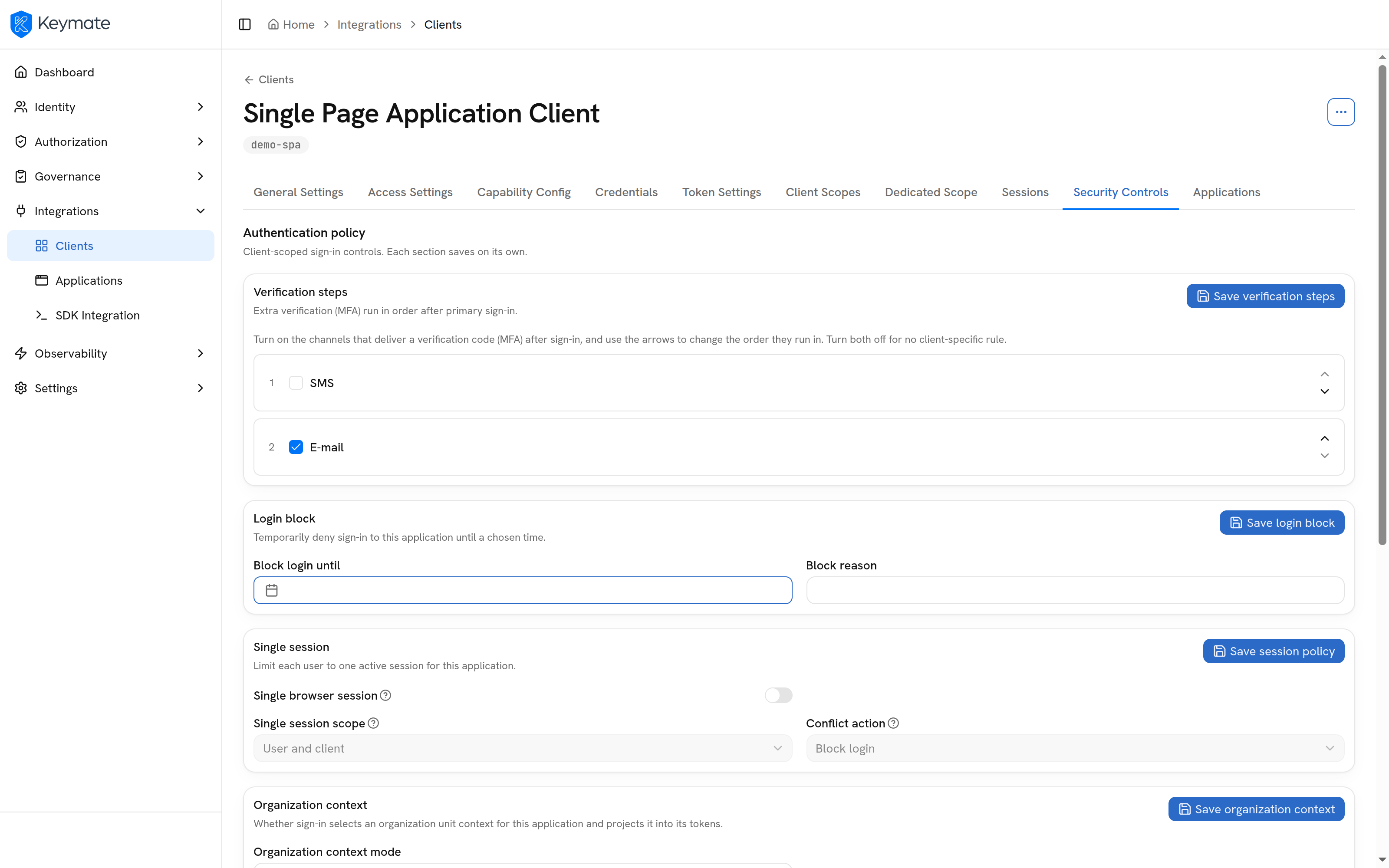
Users can sign in without a password, with a passkey: a key stored on their device and unlocked with a fingerprint, face or PIN. A passkey cannot be phished or reused on another site. Multi-factor authentication asks for a second proof besides the password: a one-time password (OTP) from an app or email, a security key or a passkey. Step-up asks for it only when an action needs it, such as approving a payment or changing someone's access. You set step-up per application and per action. With risk-based MFA, a risky sign-in, such as one from a new location, triggers step-up too.
Sign in with a password, normal requests pass, a sensitive action asks for extra proof, then it is allowed
Sessions and tokens
After sign-in, applications work with tokens.
- user
- ana@acme-north.example
- organization
- acme-north
- signed in with
- password + step-up
- audience
- payments-api
Organization context
Every token carries the user's active organization. Identity explains how organizations work.
Token exchange
A service trades a user's token for one with a narrower audience to call the next service.
Machine sign-in
Services sign in with client credentials and get tokens the same policies apply to.
Proof of possession (DPoP)
A token is bound to a key the client holds, so a stolen token cannot be replayed at the Access Gateway when one is deployed.
Revocation and logout
Tokens can be checked, refreshed or revoked at once, and logout ends the session in every connected application.
Third-party and multi-identifier login
Users sign in with what they already have: their company's identity provider, a social login or a Keymate account. Each organization can use its own provider. One account can sign in with an email address, a username or an identifier you already use, such as a national ID or an employee number.
How Authentication connects to the rest of the platform
- Identity holds the users and organizations that sign in.
- Authorization decides, on every request, what a signed-in user may do, and its policies can read how the user signed in, including whether they completed step-up.
- Authorization Governance controls how those policies change and keeps a record of every decision they make, including which condition was met or missed.
Further reading
- Keycloak password policies: how Keycloak enforces password rules on the server, and which rules are worth enabling.
- DPoP proof of possession: how binding tokens to a key stops a stolen token from being replayed, and how we implemented it end to end with Keycloak and gateway validation.
- Keycloak security mistakes: eight common configuration mistakes, most of them defaults, and how to fix them.
Questions
What is the difference between SAML and OIDC?
SAML 2.0 exchanges signed XML documents through the browser, while OpenID Connect (OIDC) sends signed JSON tokens that also work for mobile and API-based applications. SAML is still common in enterprise and government applications; OIDC is the usual choice for new web and mobile applications. Keymate speaks both, so an application can use whichever it supports.
What are the best identity orchestration platforms for companies that need strong federation and SAML support?
Look for a platform that acts as the SAML identity provider for your own applications, accepts SAML and OIDC sign-in from your partners' identity providers, and sends each organization's users to that organization's own provider. Platforms with strong federation and SAML support include Ping Identity, Microsoft Entra ID, Zitadel, and Keycloak with the products built on it, Keymate among them. Keymate adds step-up authentication and puts the user's organization in every token. The IAM platform comparison sets several platforms side by side.
What is passwordless authentication?
Passwordless authentication signs a user in without a password, usually with a passkey: a cryptographic key on the user's device, unlocked with a fingerprint, face or PIN. Keymate supports passkeys both as the way to sign in and as the extra proof for step-up.
What is step-up authentication?
Step-up authentication asks a signed-in user for an extra proof, such as a one-time code or a passkey, only when an action needs it. Keymate lets you require it per application and per action, for example before a user exports customer data, while ordinary requests continue without it.
What is token exchange in Keycloak?
Token exchange lets a service trade the token it received for a new one with a narrower audience or different scopes, so it can call the next service on the user's behalf. In Keymate you configure it per client, so each service receives only the audience and scopes it needs.
Does Keymate replace our identity provider?
Only if you want it to. Keymate can sign users in itself, or accept sign-in from the providers you already run, such as a corporate directory or a partner's SAML identity provider. If you keep your provider, users sign in there as they do today, and Keymate issues the tokens your applications use, with step-up and the user's organization inside them.